
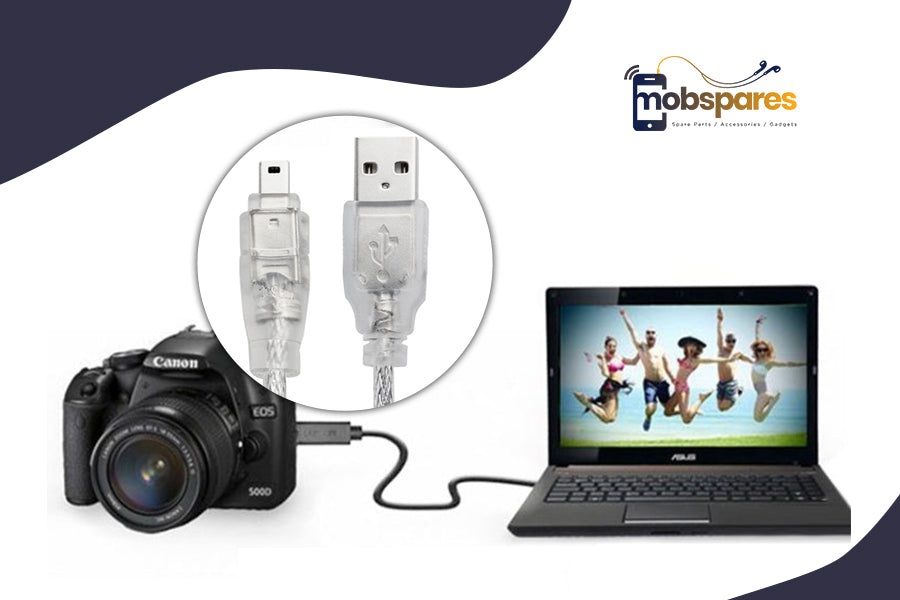
When building up a reliable computer system, connections are sometimes disregarded. These crucial pieces enable device communication. Without connections and connectors, even the best hardware can fail.
This blog discusses computer cable connectors, how to choose one for your devices, and budget computer cable options.
Why Are Computer Cable Connectors Important?
Computer cables and connectors connect more than one device. They link computers to printers, displays, hard disks, and more. Connector quality influences data flow, transfer speed, and device power.
You may experience delayed performance, data loss, or device malfunction without a reliable connection. Finding the right computer cable connectors is essential for efficient computing.
Types of Computer Cable Connectors
Different computer cable connectors serve different purposes. These are the most common cables and connectors.
Multipurpose USB Connectors
USB-connected computer cables are most prevalent. Use a USB to connect keyboards, mice, printers, and external hard drives. A, B, C, and mini USB cables fit different devices. USB-C is popular for fast data transfer and device power.

Computer cords should be the proper USB type for your device. Devices that only support USB-C cannot use USB-A cords. Examine device ports before buying computer cords.
HDMI and DisplayPort support HD video and audio.
Connecting a monitor, projector, or TV to your computer requires HDMI or DisplayPort cables. These connectors send HD video and audio for sharp screen images.
HDMI is the most popular computer cable for home usage, while DisplayPort is used in professional settings for its higher bandwidth and multi-monitor capabilities. When upgrading your workplace or home theater system, utilize high-quality computer cables for the best performance.
VGA and DVI: Old but Still Useful
Despite HDMI and DisplayPort being the standard, older PCs use VGA and DVI. Legacy electronics and displays may only use these connectors. Although they lack newer models' visual quality and performance, they can execute basic computing tasks.
Choose the proper connector for old computer wires.
Computer Cable Selection: Key Factors
To buy computer cables for your equipment, consider these factors.
Compatible: Check your computer and device ports before buying cords. Cable connectors should match hardware input/output ports. A USB-A cord will not work with a USB-C device.
Speedy data transfer: Different computer wires are quicker. Faster USB 3.0 and USB 3.1 cables are useful for external hard drives and large file transfers. Data, video, and power are sent quickly over USB-C. Choose wires that match device speeds.
Delivering Power: Many modern computer wires do more than transmit data. For instance, USB-C cables power devices. Power laptops, monitors, and other devices over USB with power supply connections. High-powered equipment needs a reliable, fast power supply.
Cable length and durability: Computer wire length and durability impact usage. Remote device connections benefit from longer cords. Signal degradation increases with longer wires. Select high-quality, insulated cables to avoid this.
Quality Computer Cables at Low Prices
Dependable computer connections are affordable. Computer cables of good quality and durability are cheap. Choose long-lasting, performance-tested cables that work with various devices.
Affordable computer cables may look appealing, but they may compromise performance or durability. Long-lasting cables within your budget can be found by balancing price and quality.
Why Good Computer Cables Matter
A good computer cable connector can improve your computing experience. Quality connections have many benefits:
Dependability: Great connections keep devices connected without interruption, decreasing frustration.
Performance: Data transport and video/audio output speed up with good connections.
Durability: Quality wires endure longer and need fewer replacements.
Compatibility: Premium cables are multi-device compatible.
Conclusion:
Device compatibility requires choosing the right computer cables and interfaces. USB cables and Ethernet connectors abound. Choose the right cables when extending your home office, installing a new entertainment system, or changing old ones to maximize your setup.
MobSpares sells affordable, high-quality computer cables. Our wide range of computer cable connectors satisfies industry standards and works well for your devices. Find your setup's wires here today!