

Yes, a tablet battery can be replaced, and for many tablets it is the cheapest way to get years of extra life from a device you already own. The job goes well when you do three things in order: confirm the battery is the problem, match the replacement exactly to your model, and work with the safety rules for lithium-ion cells. We stock the parts and tools for that job, and this guide walks you through each stage.
TL;DR
- Replace the battery when health falls below about 80%, or when charge drops suddenly, which usually points to a hardware fault rather than normal aging.
- A swollen battery is a stop-using-it problem: unplug the tablet, do not charge it, and replace the battery before using the device again.
- Match the battery to your exact model number and part number. A connector that fits is not proof of a correct battery.
- Many tablet batteries are glued in. Go slowly, use the right tools and keep the screen safe.
- Our tablet and phone parts and repair tools collections cover the whole job.
Table of Contents
- Is it the battery? How to tell
- A swollen tablet battery: what to do right now
- Choosing the right replacement battery
- How to replace a tablet battery, step by step
- Is it worth replacing?
- Our view
- Get the parts in one order
- FAQ
- Sources
Is it the battery? How to tell
Every rechargeable battery wears out. Apple states that capacity and performance eventually decline and the battery needs replacing. Which? found that almost 20% of tablet faults in its survey involved the battery getting significantly worse quickly, and its tech writer notes that a sudden drop is typically a hardware fault, not slow aging.
Typical signs:
- The tablet loses charge quickly or shuts off at 30% or more.
- It takes far longer to charge than it used to.
- It will not charge at all.
- The back or screen lifts, or the case no longer sits flat.
Check battery health first
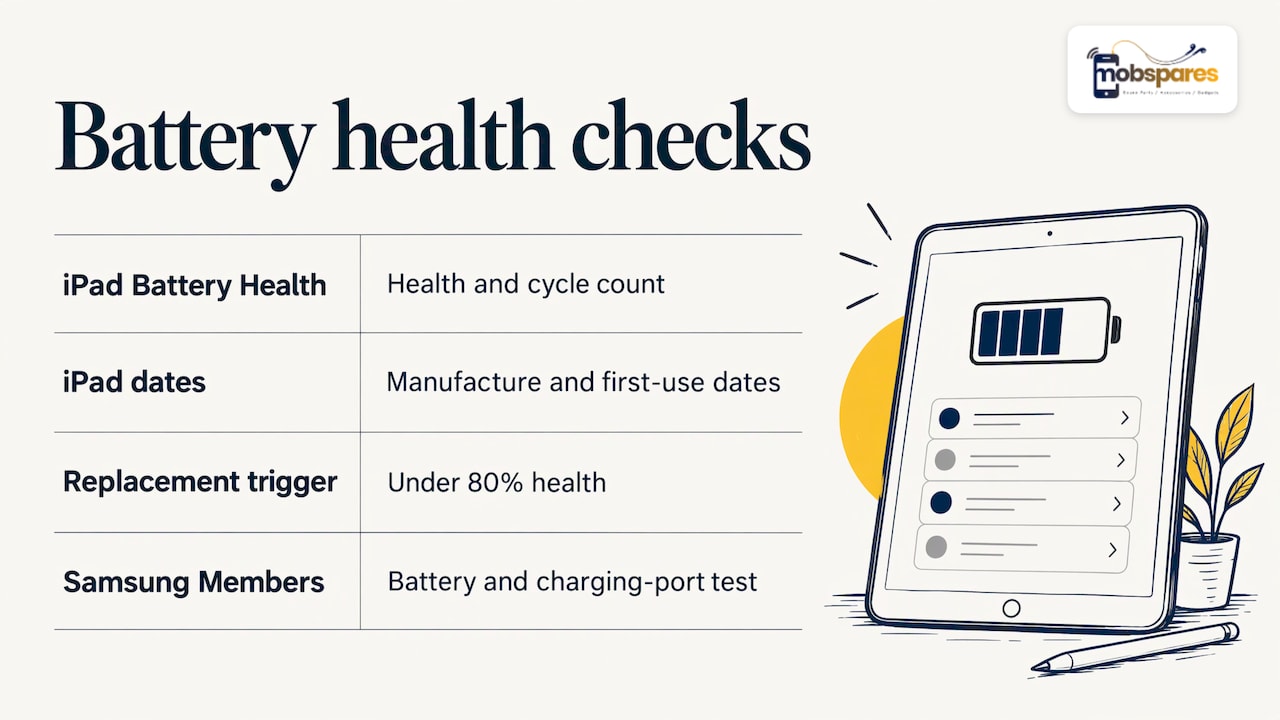
On recent iPads, open Settings > Battery > Battery Health to see health, manufacture date, first-use date and cycle count, as Apple explains. A health figure under 80% is the usual trigger for replacement. Huawei gives the same threshold on its battery support page. On Android, Samsung Members can run a battery and charging-port test.
Rule out the cheap causes
A tablet that drains fast is not always a dying battery. Check these first:
- Apps. In Settings > Battery, look at which apps use the most power. Apple’s battery usage guide shows how to read background activity and charging time. Google’s Pixel Tablet page shows the same view over the last 7 days.
- Cold. Huawei says rapid drops can be normal at low temperatures, and recommends using the device between 1°C and 35°C.
- Cable, adapter and port. Samsung lists a faulty cable or adapter, dirt in the charging port and app interference among the common causes of charging trouble. Our guide to tablets that won’t charge covers these fixes.
- Software. Install pending updates, then watch a full charge cycle.
If the tablet still empties fast with a good cable, a clean port and calm apps, the battery is the likely cause.
A swollen tablet battery: what to do right now
Swelling happens when a lithium-ion cell breaks down inside. Microsoft’s safety checklist lists a baggy, loose or puffy pouch, leaking, discoloration, a nail-polish-remover smell and dents as signs, and says a battery showing them must be replaced immediately.
If you see a bulge or a lifted screen:
- Stop charging and unplug the tablet.
- Power it off and keep it on a hard, non-flammable surface away from anything that burns.
- Do not press on the bulge, bend the tablet or puncture the battery.
- Order a matching replacement and swap it before using the tablet again.
If the battery is leaking or venting, do not handle it. Samsung’s safety information says to contact an authorised service centre for safe disposal of a damaged or leaking cell. Our swollen phone battery guide applies the same logic to phones.
Traveling with spare cells? Read the carry-on rules for camera batteries first.
Choosing the right replacement battery
This is the step where most DIY repairs go wrong. Tablets from the same brand can look identical and use different batteries.
Match the details, not the look
Write down or photograph:
- The exact model number (on the back or in Settings > About).
- The part number printed on the old battery, if you can see it.
- Voltage and rated capacity in mAh.
- Connector type and cell layout.
Manufacturers identify batteries by part number. HP’s service guides, for example, list an exact spare part number for a specific tablet. An electrically wrong battery can cause charging failure, unstable operation or sudden shutdowns, and a higher printed capacity does not prove a better battery, according to a battery compatibility checklist.
Why compatibility information matters
Samsung’s repair guide for the Galaxy Tab S10 tells users to use genuine replacement parts and to reset the battery cycle count afterward. Our listings come with product-specific compatibility information, so you can check your model before you order. For Samsung tablets, start with the Galaxy Tab series parts. For iPads, see iPad replacement parts.
Is your battery user-replaceable?
It depends on the model. In the EU, product sheets state it outright: one Galaxy Tab model lists a user-replaceable 9800 mAh battery, while a different model’s sheet says the battery is not user-replaceable. Both Samsung and Apple now run official self-repair programs for some tablets, as Which? reports. Search your model plus “service manual” before you start.
How to replace a tablet battery, step by step
Exact steps differ by model, so use your model’s service manual alongside this routine. Apple publishes a self-service repair manual for the iPad (A16) with battery and broken-glass safety sections, a good example of what a manual covers.
Set up your workspace
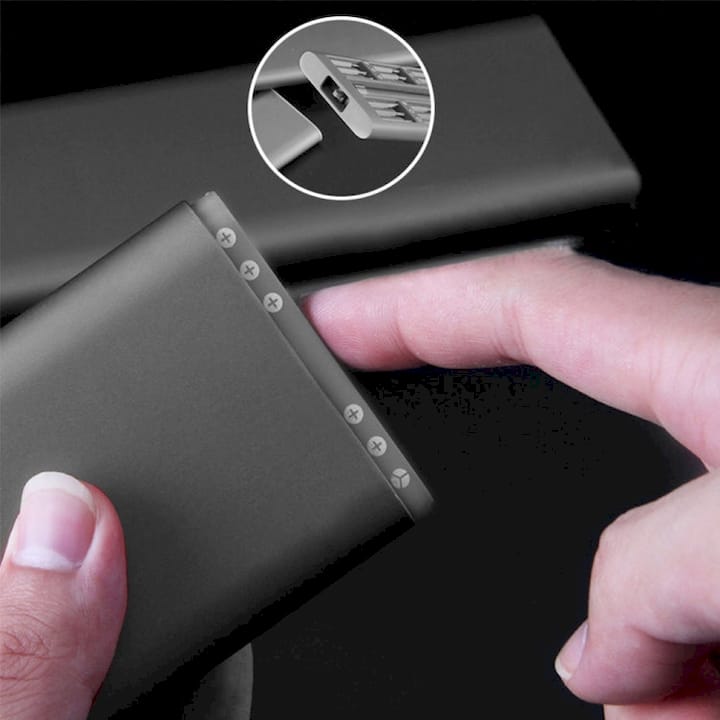
Microsoft recommends a workspace free of flammable debris, with a fire suppressant within easy reach, and advises keeping batteries between 0°C and 60°C. Cover an exposed battery with an ESD-safe cover. Our repair tools collection has the pry tools, drivers and picks you will need.
The routine
- Discharge and shut down. Let the battery run low, then power off through the operating system. Unplug all cables.
- Open the tablet. Warm the edges gently if the back or screen is glued, then work a thin pick around the seam. Go slowly: Which? warns that glued-in batteries risk cracking the screen.
- Disconnect the battery first. Unplug the battery connector before touching anything else.
- Release the battery. Many are held by adhesive strips. Pull the tabs slowly, or use a plastic tool. Never bend, puncture or pry hard. HP’s guide says to lift the battery out without bending it and protect the cables from shorting.
- Fit the new battery. Seat it flat, connect it, and test power before closing.
- Close, charge and calibrate. Reseal the case, charge fully, then use the tablet normally for a few cycles. Huawei notes a few charge and discharge cycles help auto-calibration.
If the tablet won’t start afterward, our charging troubleshooting guide helps you trace the cause.
Old battery disposal
Do not throw a used lithium-ion battery in household trash. Samsung advises asking your retailer or local government where to recycle electronics.
Is it worth replacing?
If the tablet still runs your apps smoothly and gets software updates, a new battery is usually the better value than a new device. Replacing a battery you can buy and fit yourself costs far less than a new tablet. Skip it only if the screen is cracked, the tablet is too slow for your work, or it no longer gets security updates. For small repair shops, stocking common batteries and tools for popular models turns this into a repeat job.
Our view
We see a tablet battery swap as one of the most rewarding repairs a beginner can do, as long as the part is right for the model. That is why we give each product its own compatibility information, and why we group tablet parts, tools and cases in one place.
Our buyers include DIY fixers, students learning technical skills and small repair businesses. For all of them, the best repair is a single order: the battery, the tools to open the case, and a protective case to keep the tablet safe afterward. If you have a question about a part, you can reach a person by email, not only an automated system.
MobSpares
Get the parts in one order
Browse our tablets and phones parts for batteries and components, add a set from the repair tools collection, and finish with a case from tablets protection.
FAQ
Can a battery be replaced in a tablet?
Yes. Many tablets allow it, though the difficulty varies. Some have a user-replaceable battery, others are glued in and need careful opening. Check your model’s service manual before starting.
Why does my tablet battery drain fast?
Common causes are busy background apps, cold weather, a faulty cable or an aging battery. Check the battery usage list in Settings first. If health is under 80%, replacement is the fix.
Is a swollen tablet battery dangerous?
Yes, treat it seriously. Stop charging, power the tablet off, keep it away from anything flammable and replace the battery before further use. If it leaks or vents, do not handle it and contact an authorised service centre.
How long does a tablet battery last?
Apple says its latest iPads should last over 1,000 charge cycles at 80% health, and Samsung quotes 1,200 cycles, according to Which?. Daily charging means several years of use.
Sources
- Apple: check battery health and history on your iPad
- Which?: common iPad and tablet faults
- Huawei: battery level changes
- Apple: battery drains too quickly
- Google: Pixel Tablet battery drain
- Samsung: tablet not charging
- Microsoft: Surface repair safety guidelines
- Samsung: safety information
- Samsung: Galaxy Tab S10 repair guide
- HP: Pro Slate 10 EE G1 guide
- HP: 10 G2 service guide
- Samsung: SM-X356B product sheet
- Samsung: SM-X620 product sheet
- Apple: iPad (A16) repair manual
- Tablet battery compatibility checklist